Introduction
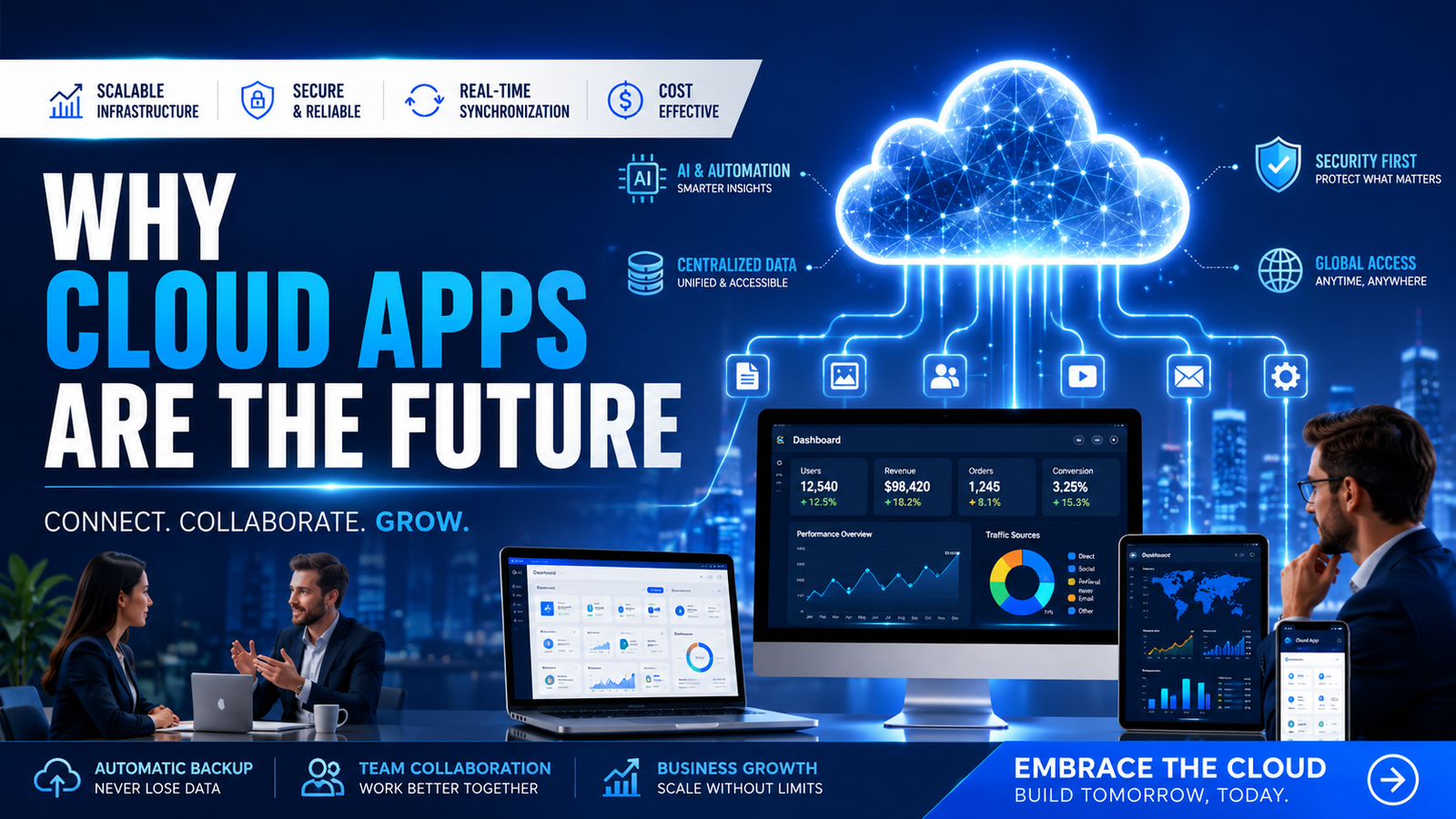
The way businesses use software has changed dramatically over the last decade. Traditional desktop applications and on-premise systems are rapidly being replaced by cloud based applications that offer greater flexibility, improved collaboration, enhanced security, and significant cost savings.
Whether you are a startup founder, small business owner, enterprise executive, or technology leader, cloud technology has become a critical component of modern business operations.
Today, organizations need systems that can support remote teams, handle growing customer demands, provide real-time information, and scale without major infrastructure investments. Cloud based applications make all of this possible.
From customer relationship management systems and enterprise resource planning platforms to ecommerce stores, mobile applications, and business automation tools, cloud applications are transforming how businesses operate.
In this guide, we will explore why cloud based apps are the future, their benefits, implementation strategies, business impact, and emerging trends shaping the next generation of digital solutions.
What Is Cloud Based Application?
A cloud based application is software that runs on cloud infrastructure rather than being installed and maintained on a local computer or company server.
Instead of purchasing expensive hardware and managing complex IT systems, businesses access applications through the internet.
Examples include:
Cloud applications are typically hosted on platforms such as:
Why This Matters For Businesses
Businesses today operate in a fast-changing environment where agility determines success.
Cloud applications provide:
| Business Need |
Cloud Solution |
| Remote Access |
Access from anywhere |
| Growing Users |
Auto Scaling |
| Data Sharing |
Real Time Sync |
| Security |
Centralized Protection |
| Reliability |
High Availability |
| Expansion |
Flexible Infrastructure |
| Cost Control |
Pay-As-You-Go Pricing |
Organizations that continue relying on outdated systems often face higher costs, slower operations, and limited scalability.
Cloud solutions eliminate these barriers.
Common Problems Businesses Face
Many organizations struggle with:
1. Expensive Infrastructure
Traditional servers require:
-
Hardware purchases
-
Maintenance costs
-
IT staff
-
Upgrade expenses
2. Limited Scalability
As businesses grow:
3. Data Silos
Information becomes fragmented across:
-
Departments
-
Devices
-
Locations
4. Downtime Risks
Server failures can result in:
-
Lost sales
-
Reduced productivity
-
Customer dissatisfaction
5. Remote Work Challenges
Modern teams need:
-
Secure access
-
Collaboration tools
-
Real-time information
Cloud applications solve all of these issues.
Signs You Need This Solution
Your business may need cloud applications if:
-
Employees work remotely.
-
Your customer base is growing rapidly.
-
You struggle with data management.
-
Current software is difficult to maintain.
-
System downtime affects productivity.
-
Infrastructure costs are increasing.
-
Multiple departments need shared information.
-
You want better business insights.
Benefits Of Implementing This Solution
Major Benefits
Improved Scalability
Cloud systems grow alongside your business.
Reduced Costs
No major hardware investments.
Better Collaboration
Teams can work together from anywhere.
Enhanced Security
Enterprise-level protection mechanisms.
Faster Deployment
Applications can launch quickly.
Automatic Updates
Always use the latest version.
Business Continuity
Backup and disaster recovery capabilities.
Global Accessibility
Serve customers worldwide.
Detailed Explanation Of Auto Scaling
What Is Auto Scaling?
Auto scaling automatically adjusts computing resources based on demand.
For example:
Benefits
Example
An ecommerce store experiences heavy traffic during a festive sale.
Instead of crashing, cloud infrastructure automatically adds server resources.
Result:
Detailed Explanation Of Real Time Sync
What Is Real Time Synchronization?
Real-time synchronization ensures data updates instantly across all connected devices and users.
Benefits
-
Accurate information
-
Better collaboration
-
Reduced errors
-
Faster decision making
Example
A sales representative updates customer information.
The update instantly becomes visible to:
-
Customer support
-
Marketing team
-
Management dashboard
Everyone works from the same data.
Detailed Explanation Of Centralized Data
What Is Centralized Data?
Centralized data means all business information is stored in a single secure location.
Advantages
-
Easier management
-
Better reporting
-
Stronger security
-
Improved compliance
Example
A company stores:
-
Customer records
-
Sales data
-
Employee information
-
Financial reports
inside one centralized cloud platform.
Management gains a complete business overview.
Detailed Explanation Of High Availability
What Is High Availability?
High availability ensures applications remain operational even when failures occur.
Cloud providers use:
-
Multiple servers
-
Multiple regions
-
Backup systems
-
Load balancing
Benefits
-
Minimal downtime
-
Improved reliability
-
Better customer trust
-
Continuous operations
Example
If one server fails, traffic automatically shifts to another server without disrupting users.
Real Business Example
A logistics company operated multiple disconnected systems.
Challenges:
-
Data duplication
-
Reporting delays
-
Communication issues
After migrating to a cloud platform:
-
Operations became centralized
-
Reporting became real-time
-
Productivity improved by 40%
-
Customer response times improved significantly
Startup Example
A SaaS startup launched with limited resources.
Using cloud infrastructure allowed them to:
Within one year, the company expanded from hundreds to thousands of users without rebuilding infrastructure.
Enterprise Example
A multinational enterprise migrated from legacy systems to cloud infrastructure.
Results:
The company achieved greater operational efficiency while supporting worldwide teams.
Step By Step Implementation Guide
Step 1: Assess Current Systems
Identify:
Step 2: Define Requirements
Determine:
-
Users
-
Features
-
Integrations
-
Compliance needs
Step 3: Choose Cloud Architecture
Options include:
-
Public Cloud
-
Private Cloud
-
Hybrid Cloud
Step 4: Design Infrastructure
Create:
-
Security strategy
-
Backup plan
-
Scalability framework
Step 5: Develop Application
Build:
-
Backend systems
-
Frontend interfaces
-
APIs
-
Mobile integrations
Step 6: Test Thoroughly
Validate:
-
Security
-
Performance
-
Reliability
Step 7: Deploy
Launch production environment.
Step 8: Monitor And Optimize
Continuously improve:
-
Performance
-
Security
-
User experience
Common Mistakes To Avoid
Businesses often make mistakes such as:
-
Ignoring security planning.
-
Choosing incorrect cloud architecture.
-
Poor backup strategies.
-
Lack of scalability planning.
-
Weak access controls.
-
Insufficient monitoring.
-
Underestimating user training.
Avoiding these mistakes improves long-term success.
Best Practices
Security First
Implement:
Build For Scale
Design systems capable of growth.
Automate Operations
Reduce manual tasks.
Monitor Continuously
Track performance and availability.
Optimize Costs
Review resource usage regularly.
Ensure Compliance
Follow industry regulations.
Tools And Technologies Used
Modern cloud applications commonly use:
Frontend
-
React
-
Next.js
-
Angular
-
Vue.js
Backend
-
Laravel
-
Node.js
-
Python
-
.NET
Databases
Cloud Providers
DevOps
-
Docker
-
Kubernetes
-
CI/CD Pipelines
Cost Considerations
| Component |
Cost Impact |
| Development |
Medium to High |
| Infrastructure |
Pay As You Go |
| Maintenance |
Lower Than Traditional |
| Security |
Essential Investment |
| Scaling |
Flexible Cost Structure |
Cloud applications often reduce total ownership costs compared to traditional systems.
ROI And Business Impact
Businesses adopting cloud solutions commonly experience:
-
Reduced operational costs
-
Improved productivity
-
Faster deployment
-
Better customer experience
-
Enhanced scalability
-
Increased revenue opportunities
Key ROI drivers include:
-
Automation
-
Reduced downtime
-
Faster innovation
-
Improved collaboration
-
Lower infrastructure spending
Future Trends
The future of cloud computing includes:
AI-Powered Cloud Applications
Intelligent automation and predictive analytics.
Serverless Computing
Simplified infrastructure management.
Edge Computing
Faster processing closer to users.
Multi-Cloud Strategies
Reduced dependency on single providers.
Cloud-Native Development
Applications designed specifically for cloud environments.
AI Assisted Operations
Automated monitoring and optimization.
These trends will continue transforming business technology over the next decade.
Why Choose NetSwap Technologies
NetSwap Technologies specializes in scalable software development, cloud applications, SaaS platforms, business automation systems, CRM solutions, ERP development, APIs, and enterprise-grade digital solutions. The company focuses on building secure, scalable, and future-ready business applications using modern technologies and cloud infrastructure.
Our Expertise
What Makes Us Different
-
Scalable architecture
-
Clean development practices
-
Business-focused approach
-
Long-term technology partnerships
-
Transparent communication
NetSwap Technologies has delivered solutions across SaaS, FinTech, Healthcare, Ecommerce, Education, and Enterprise sectors while emphasizing scalable and maintainable systems.
Frequently Asked Questions
Why are cloud apps better than traditional software?
Cloud apps offer scalability, flexibility, lower maintenance costs, and remote accessibility.
Can cloud applications support business growth?
Yes. Cloud infrastructure can automatically scale as your business expands.
Are cloud apps suitable for small businesses?
Absolutely. Small businesses benefit from reduced costs and enterprise-level capabilities.
What industries use cloud applications?
Almost every industry including healthcare, finance, retail, education, logistics, manufacturing, and professional services.
How secure are cloud applications?
Modern cloud platforms provide advanced security measures including encryption, monitoring, backups, and compliance controls.
How long does cloud application development take?
Timelines vary depending on project complexity, features, integrations, and business requirements.
Final Thoughts
Cloud based applications are no longer a luxury—they are becoming the standard foundation of modern business operations. Organizations that embrace cloud technology gain significant advantages in scalability, flexibility, security, collaboration, and innovation.
As customer expectations continue evolving and digital transformation accelerates, cloud applications will remain a critical driver of business growth. Companies investing in cloud-first strategies today position themselves for long-term success, resilience, and competitive advantage.
Contact NetSwap Technologies
Need Help With Cloud Application Development?
NetSwap Technologies helps businesses build:
-
Scalable Cloud Applications
-
SaaS Platforms
-
Custom Software Solutions
-
CRM Systems
-
ERP Platforms
-
Mobile Applications
-
Business Automation Tools
-
AI-Powered Solutions
-
Ecommerce Platforms
-
Enterprise Software
Whether you're launching a startup, modernizing legacy systems, or scaling enterprise operations, our team can help transform your vision into a reliable and future-ready cloud solution.
Contact Us Today
Let's discuss your cloud application project and create a scalable solution designed for long-term growth and success.
FAQ Section
What is a cloud based application?
A cloud based application is software hosted on remote servers and accessed through the internet instead of being installed locally on individual devices.
Are cloud applications secure?
Yes. Modern cloud applications often provide enterprise-grade security, encryption, backups, monitoring, and access controls.
Why are startups choosing cloud applications?
Cloud applications reduce upfront costs, provide flexibility, support rapid growth, and eliminate the need for expensive infrastructure.
What industries benefit from cloud applications?
Healthcare, education, finance, retail, logistics, manufacturing, SaaS, real estate, hospitality, and professional services all benefit from cloud technology.
How much does cloud application development cost?
Costs vary depending on features, integrations, users, and complexity. Small projects may start from a few thousand dollars while enterprise systems may require significantly larger investments.




Comments (0)